
All your games. One launcher.
Cosmos brings every game on your PC together - Steam, Epic Games, GOG, Amazon, Lutris, Flathub and your own - and puts 600+ free games one click away. Click a game and play.
Works with
Built for playing, not waiting
Cosmos finds your games by itself and starts them in one click.
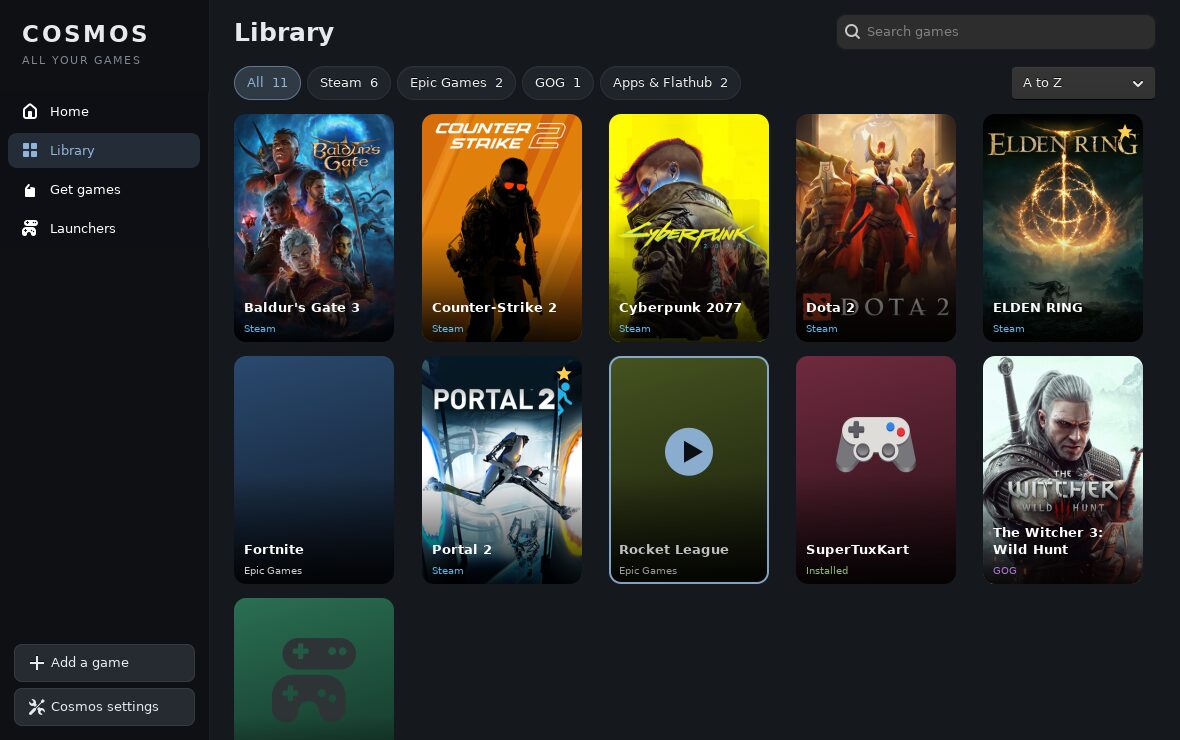
One library
Every installed game from every store, with real cover art, sorted and searchable.
600+ free games
The whole Flathub game catalogue: action, racing, strategy, puzzles, retro. One click to install.
Every store
Sign in to Steam or Heroic once: your Steam, Epic, GOG and Amazon games show up automatically.
Add anything
Any program, script, AppImage or Windows .exe game - Windows games run through Wine or Bottles.
Play time and favourites
Jump back in from Home. See how long you played, star your favourites, hide the rest.
Game Mode
Cosmos can switch on ESO Game Mode while you play and step out of the way: 0% CPU in the background.
A closer look
Your library
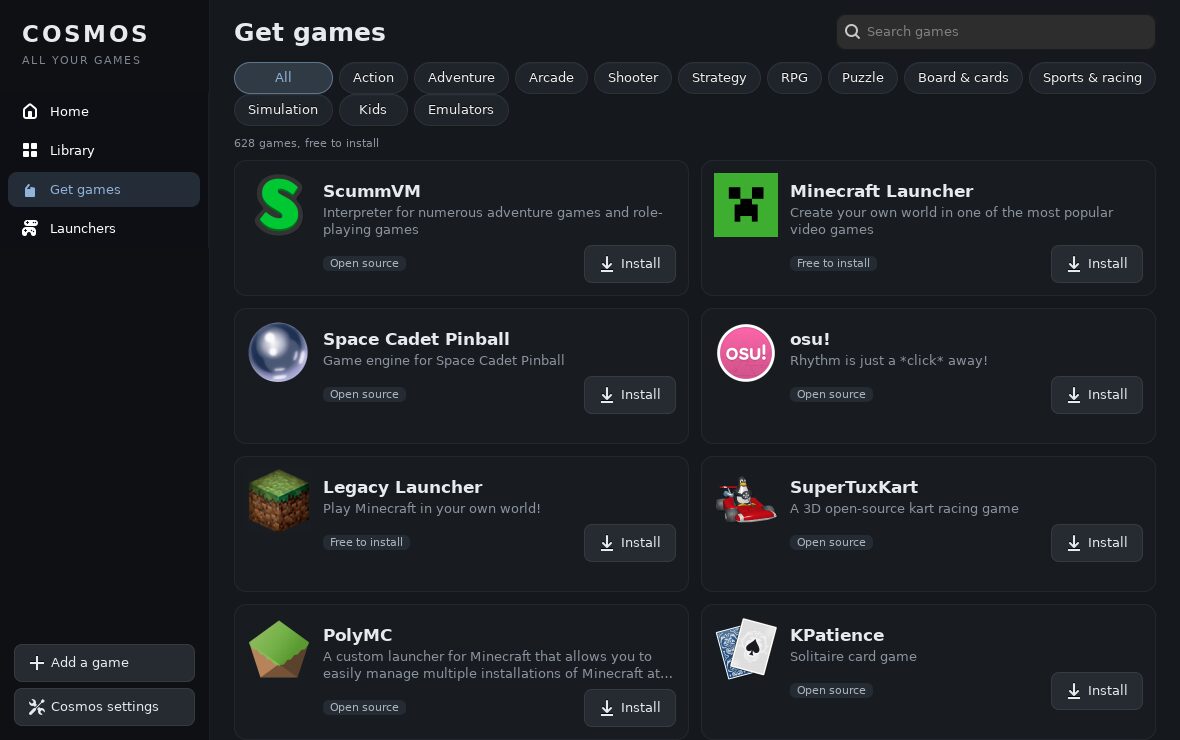
Free games, one click
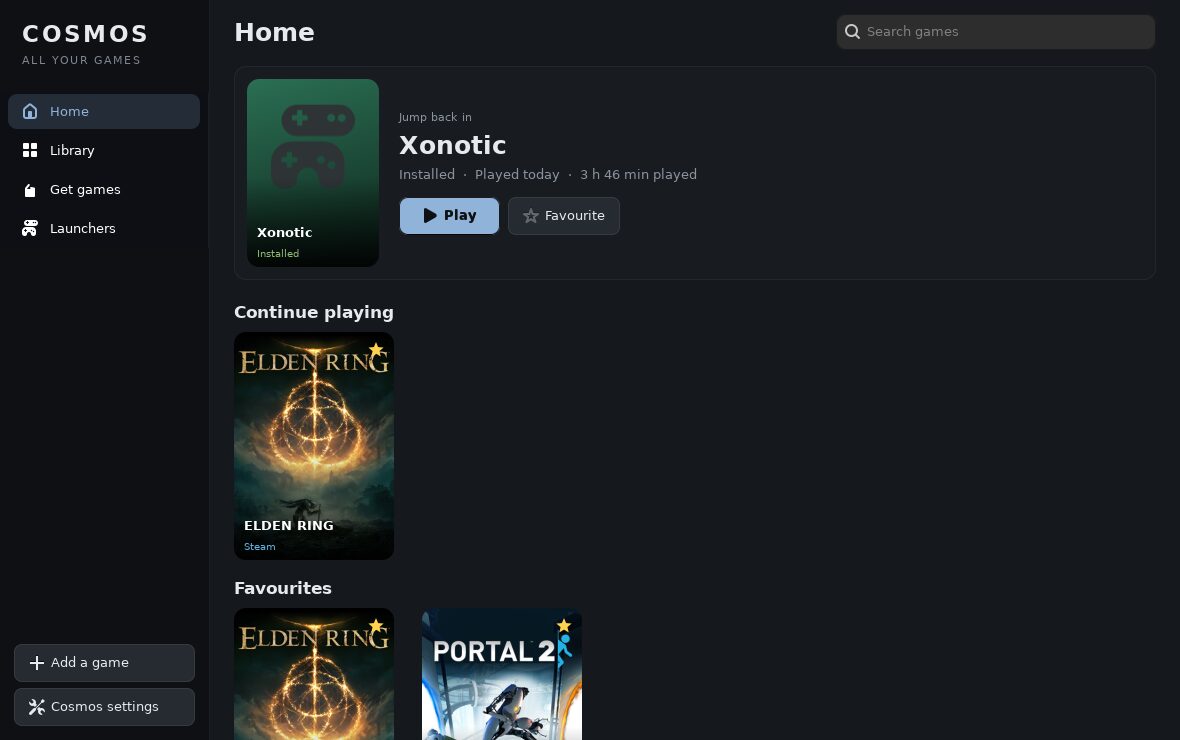
Home: continue playing
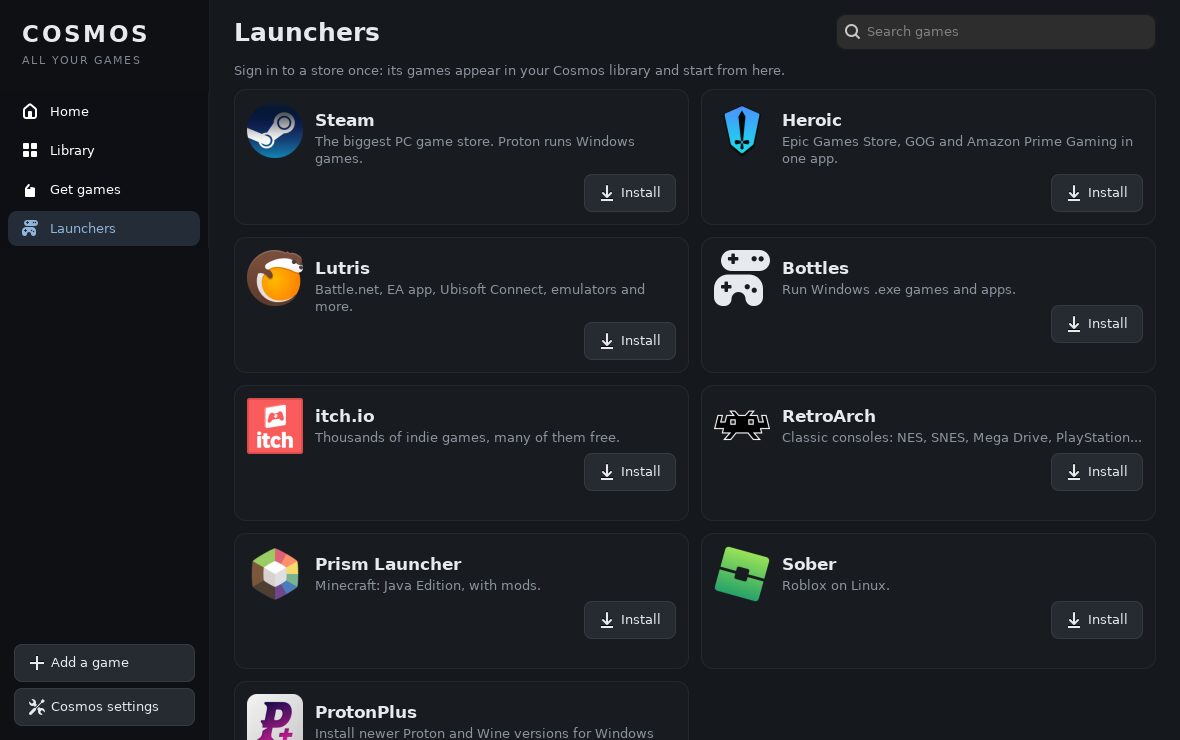
Every launcher
Get Cosmos
Cosmos is part of ESO OS Ultimate.
Install ESO OS
Download ESO OS and install it on your PC.
Upgrade to Ultimate
Open Settings > Activation, or buy a key on the ESO website.
Open Cosmos
Find Cosmos in Start. Your games are already there.
Questions
Are the games free?
The 600+ games in Get games are free to install. Games you bought on Steam, Epic, GOG or Amazon stay yours and appear in your library.
Can I play Windows games?
Yes. Steam runs them with Proton, Heroic handles Epic and GOG, and Bottles runs any Windows .exe you add.
Does it slow down my PC?
No. Cosmos uses no CPU while idle and minimises itself when your game starts.
Which PCs does it run on?
Every PC that runs ESO OS. Cosmos itself is light; each game has its own requirements.